Enabling features
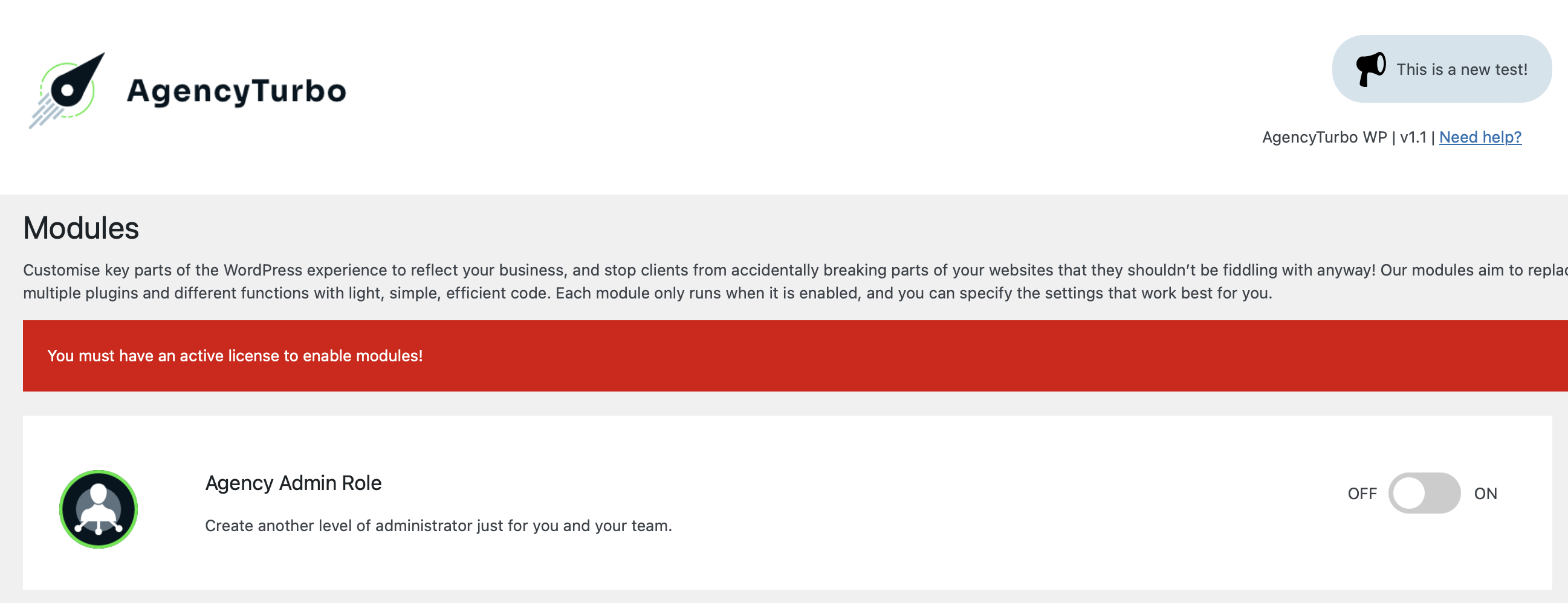
Enabling modules is simple. Find the option you want to enable and look for the OFF → ON slider on the right side. Click this and a sliding animation will play before the page reloads.

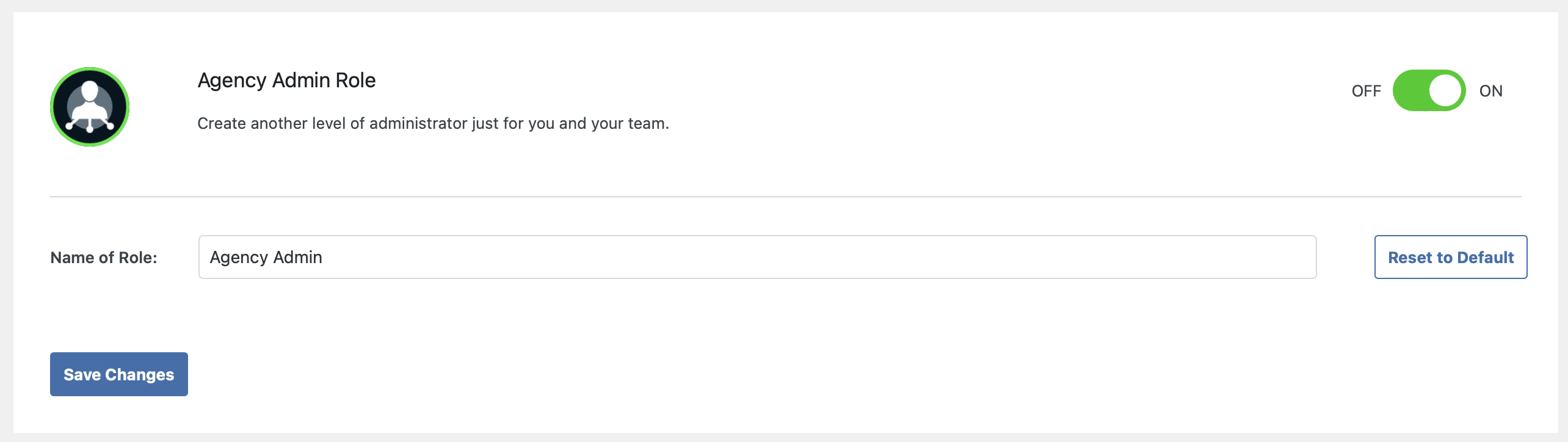
After page reload you will see that the option is enabled.
If you do not have an active license, you will be unable to activate modules. Read Activate AgencyTurbo to learn how to activate the plugin.
Configuring features
After activation you will see the settings for the enabled module underneath. These will vary depending on the module, but they all share a common button at the bottom that says “Save Changes”. After you change any of the settings for the module, you must click this in order to save your changes or settings.
If you leave this page after making changes without saving you will lose any changes made.
Disabling features
Disabling modules is similarly easy. Simply switch the OFF → ON slider on the right side back to ‘OFF‘. The module and any functionality currently active will be deactivated. Bear in mind that this may have knock-on impacts to your site if login routes or access roles have been configured.