After installing the plugin, you will need to activate your copy of AgencyTurbo using your license. This is important to access updates and technical support from us. If you don’t have a license, check out the options available.
Head over to the Account area and click on the “License Key” tab. Find the license key you wish to use in the list and copy the key.
Login to your website’s WordPress dashboard, and go to the AgencyTurbo option in the sidebar. Select “License” and you will see the following page:
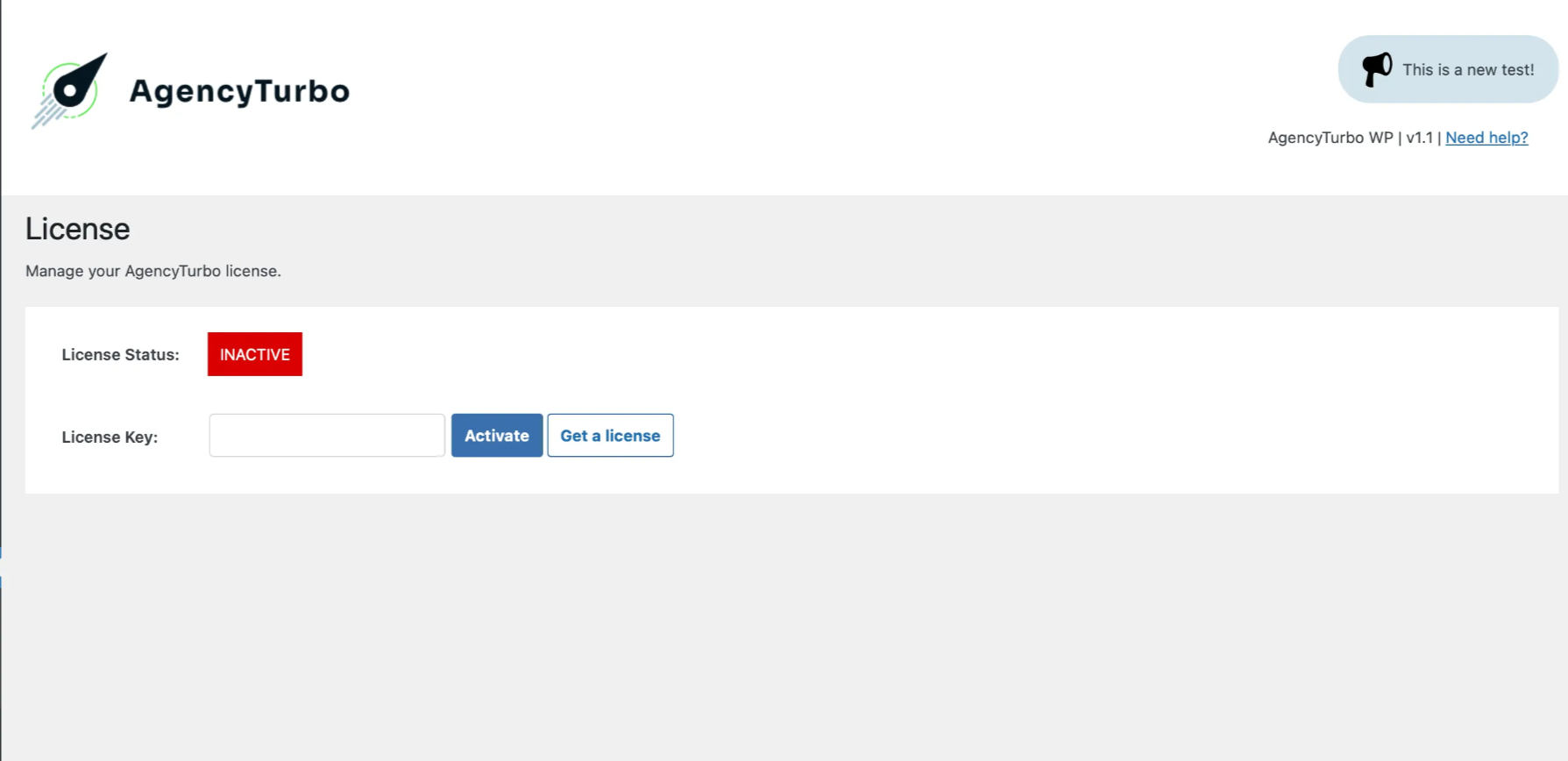
Take the license key that you copied from the website and enter or paste it into the License Key box. Then click “Activate”.
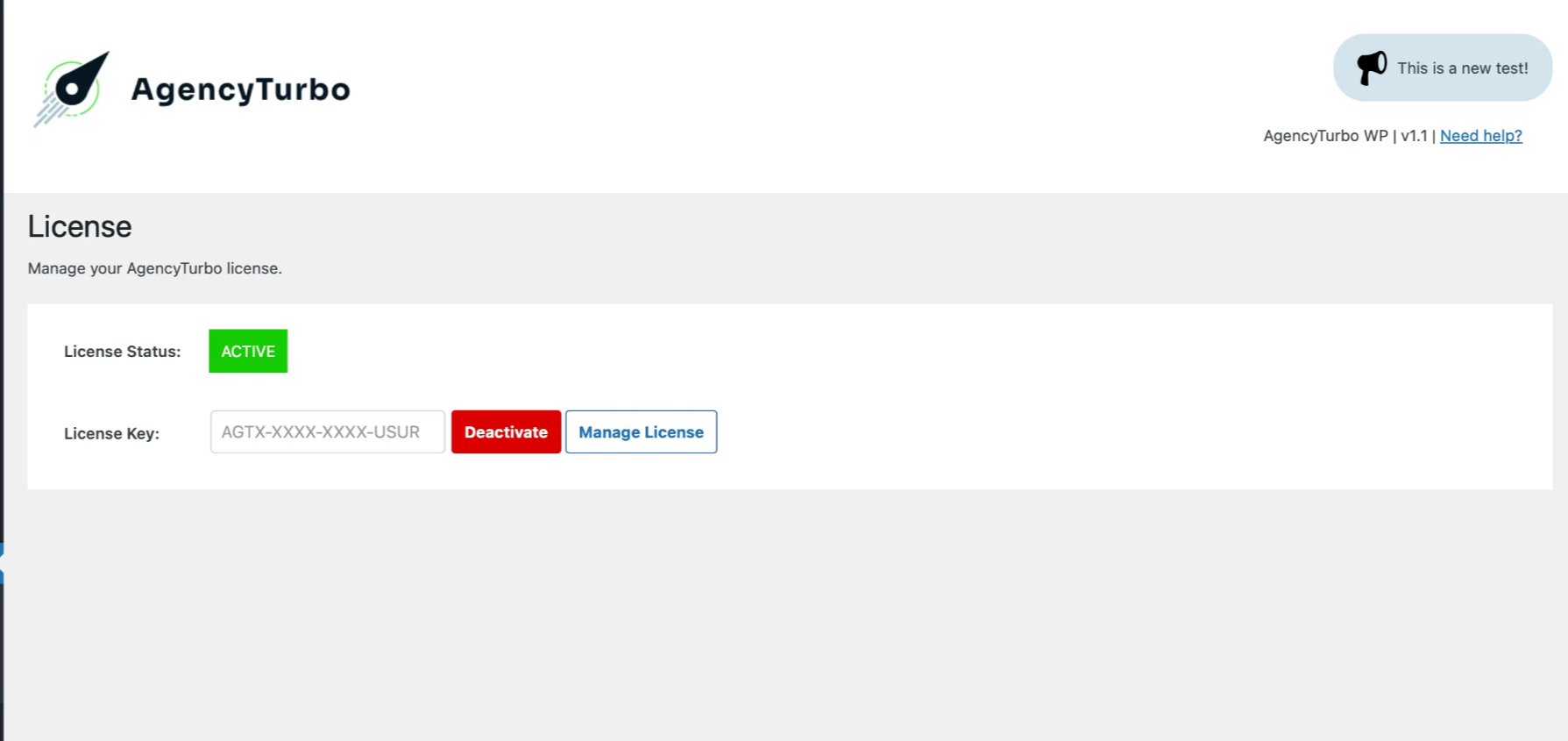
If successful the page will reload and you will see your license key saved in the box along with a box that says “Active”.
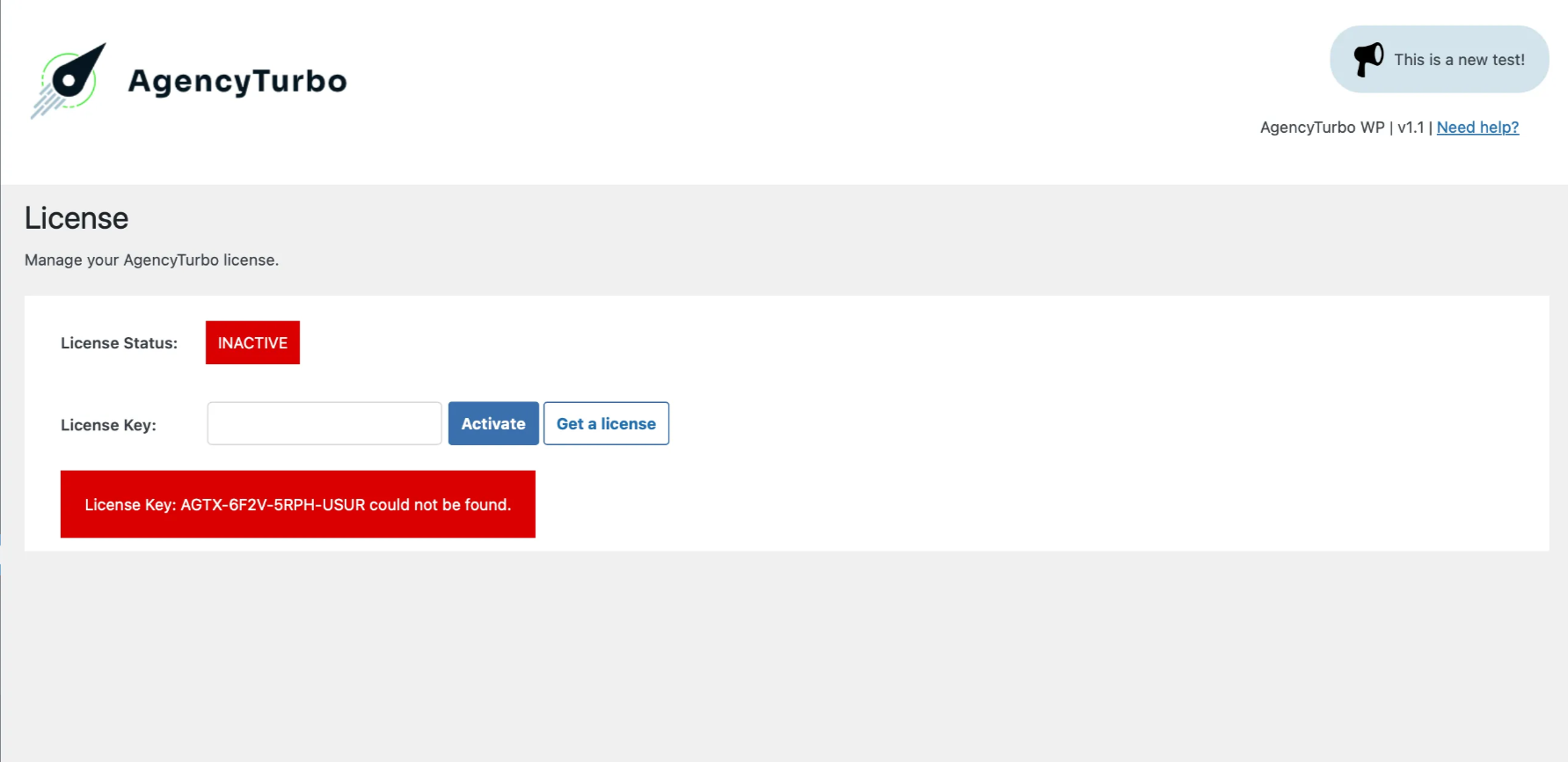
If you enter your key incorrectly then you will see a message. Make sure that you have copied your key correctly and try again. If you’re still having trouble, visit our support area.